【Smart Mode】How to view data and clear data | Web Scraping Tool | ScrapeStorm
Abstract:This tutorial will show you how to view and clear the scraped data. No Programming Needed. Visual Operation. ScrapeStormFree Download
In the Smart Mode of ScrapeStorm, we can view and clear data in following ways.
1. View data
In the taskbar of ScrapeStorm, there is a “count” under each task name, indicating the amount of data scraped by the task. Click on the number to view the scraping result.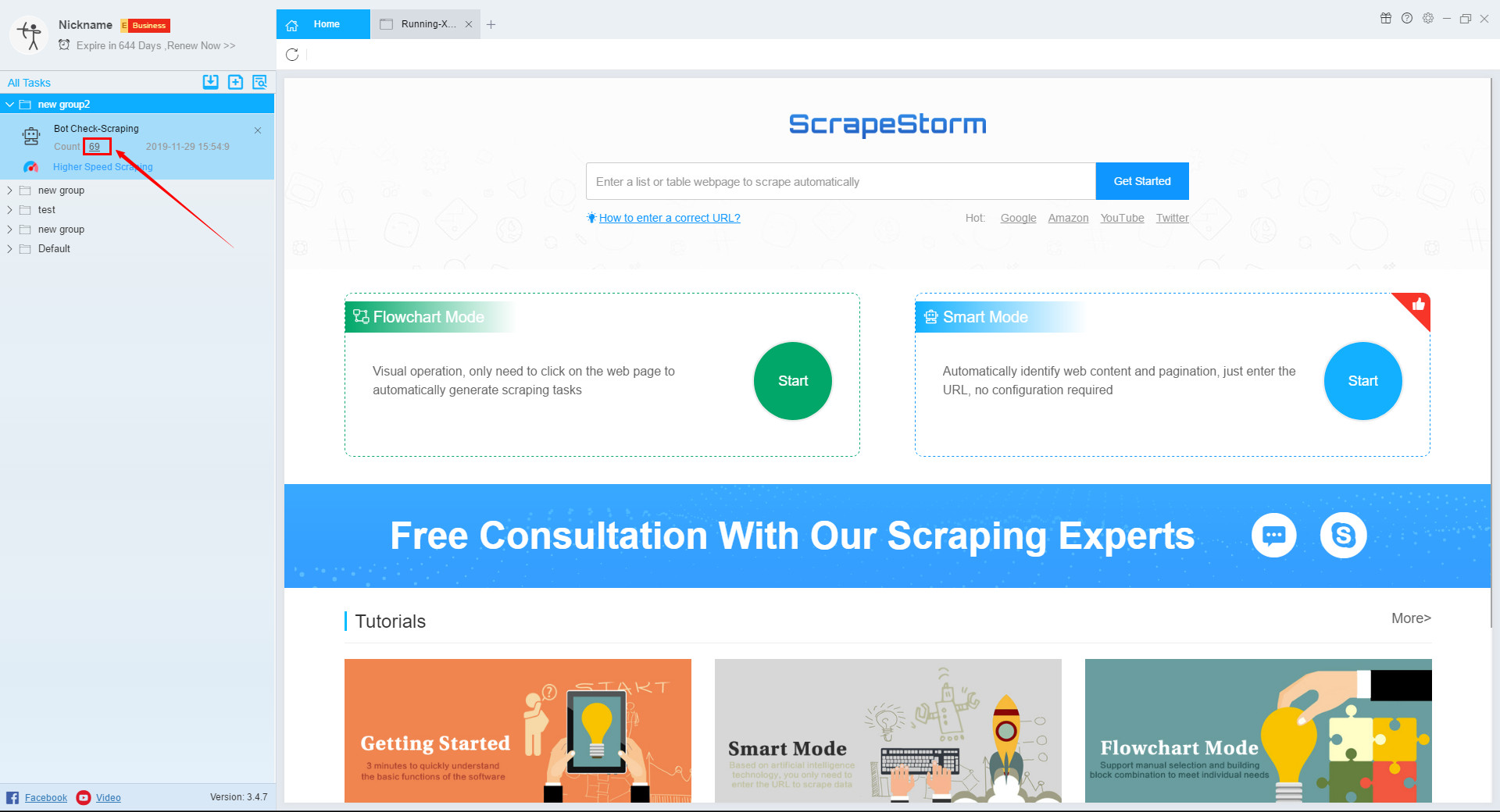
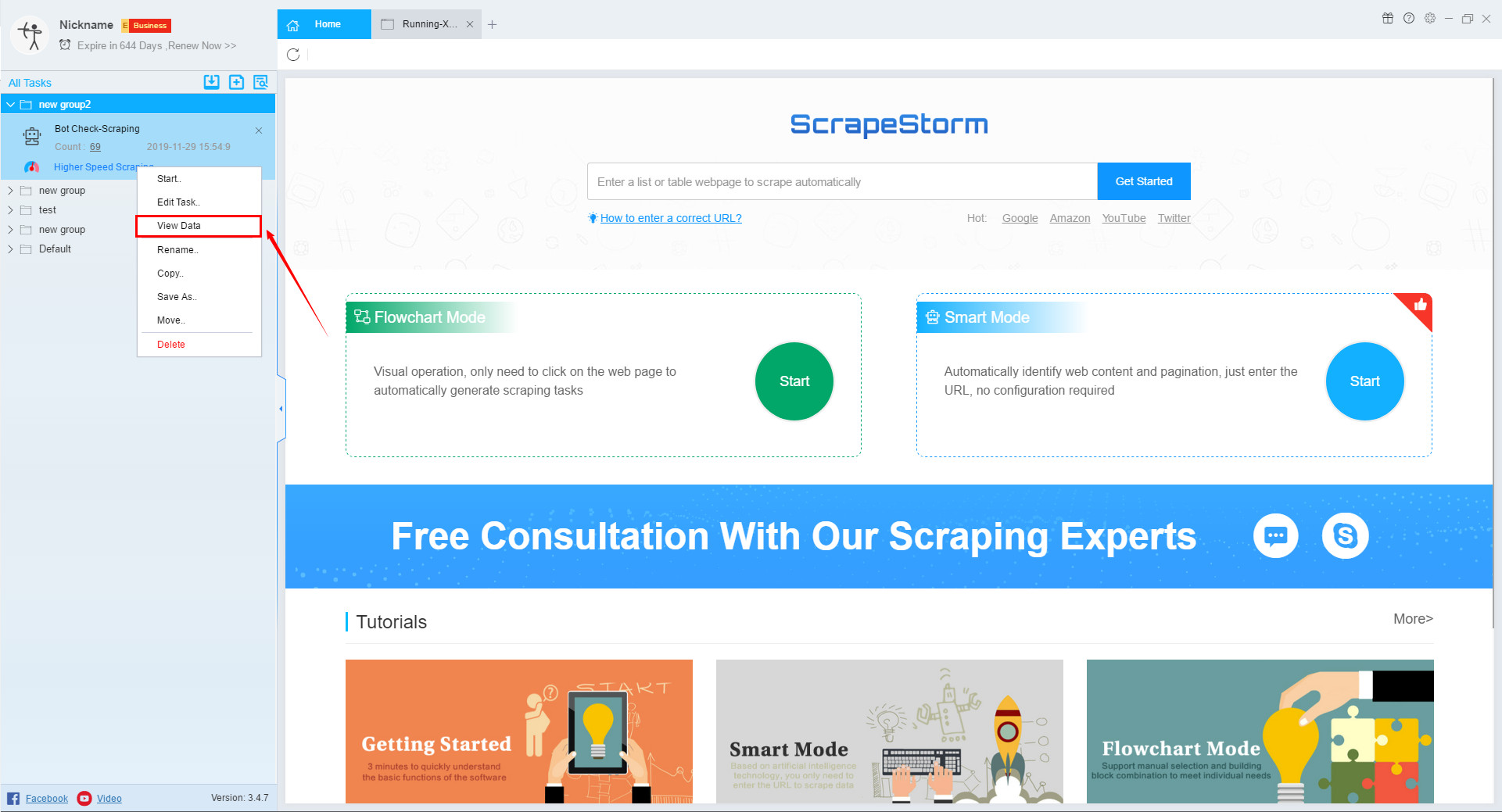
In addition, you can also select the task, right-click and select “View Data“.
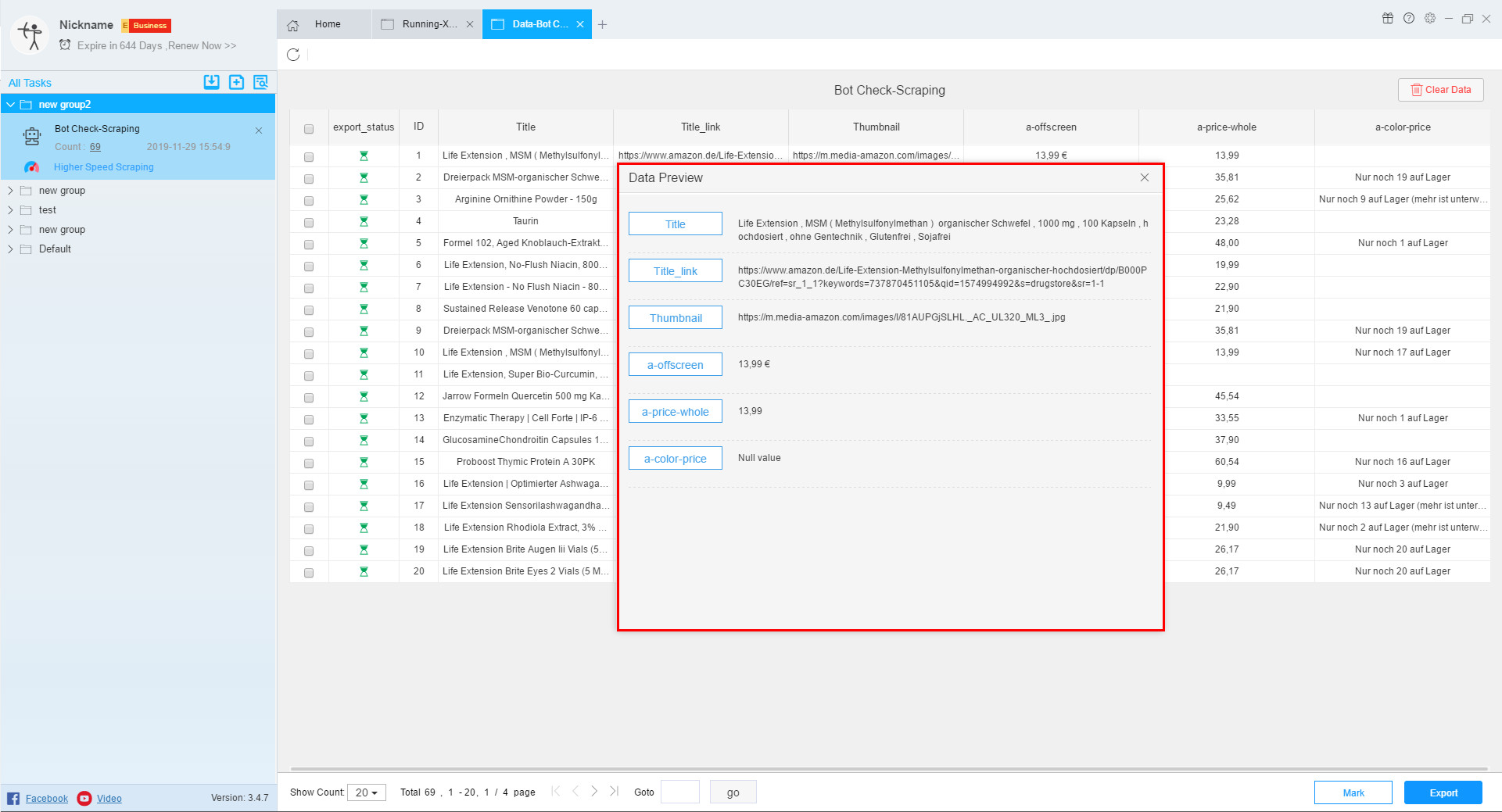
In the view data interface, we can see that the data result is divided into two parts: one is the state of the data, and the other is the content of the data.
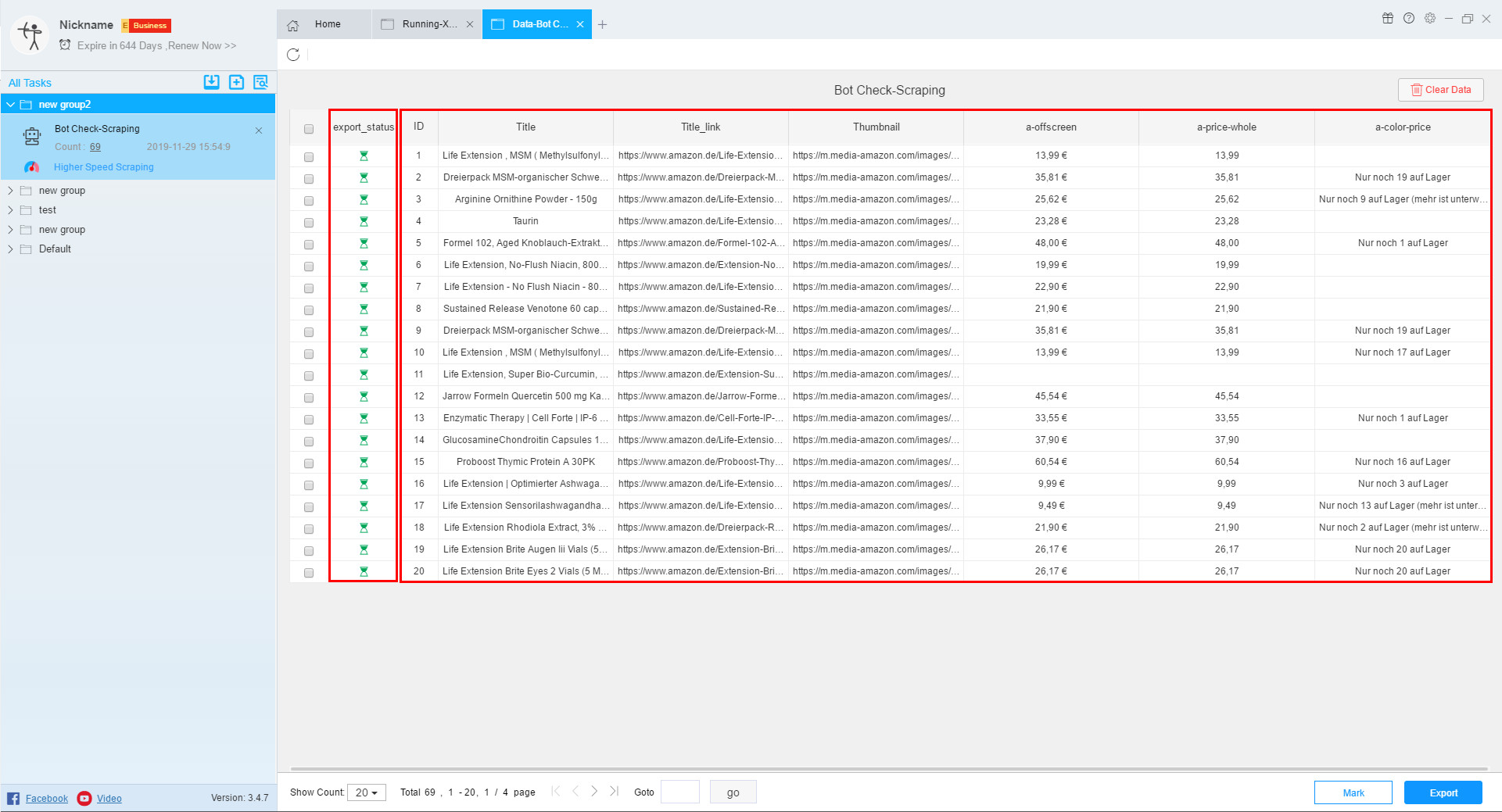
Click on any piece of data to preview the data.
2. Clear data
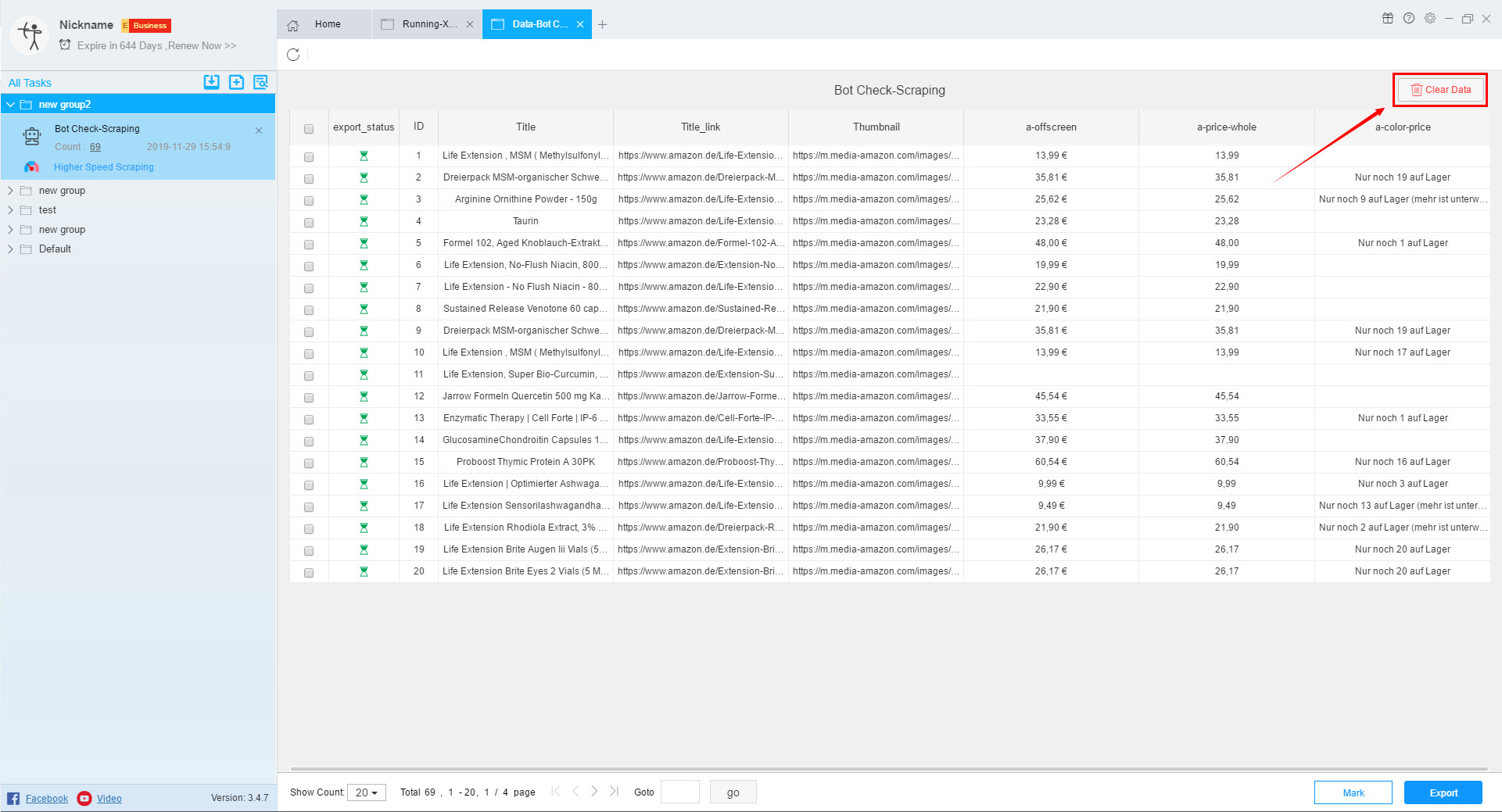
If you do not need this data, you can click the “Clear Data” button in the upper right corner to clear the data.