
VuePress + Headless CMS | Web Scraping Tool | ScrapeStorm
Abstract:VuePress + Headless CMS is a content publishing solution that combines a static site generation framework with a headless content management system. ScrapeStormFree Download
ScrapeStorm is a powerful, no-programming, easy-to-use artificial intelligence web scraping tool.
Introduction
VuePress + Headless CMS is a content publishing solution that combines a static site generation framework with a headless content management system. In this setup, VuePress is responsible for building and presenting documentation, blogs, or content pages as a static frontend site, while the Headless CMS handles content creation, management, storage, and delivery. By combining the two, organizations can retain the high performance, strong SEO, and development flexibility of static websites while adopting a modern content management model in which content is separated from the presentation layer. This makes the solution well suited to projects that require both structured content management and customizable frontend development.
Applicable Scene
This approach is suitable for technical documentation sites, corporate websites, knowledge bases, blog platforms, product showcase pages, multilingual content sites, and content-heavy projects that require multi-person editorial collaboration. For example, a development team can use VuePress to build the frontend documentation interface, while a content team maintains articles, announcements, help documents, or product information through a Headless CMS. This separation of responsibilities improves content update efficiency and long-term maintainability. For organizations that value both fast site performance and flexible content workflows, this is a strong implementation option.
Pros: VuePress offers advantages such as being lightweight, easy to deploy, Markdown-friendly, and especially suitable for documentation-oriented sites, while a Headless CMS provides visual content management, role-based permissions, API-based delivery, and multi-channel content reuse. Combined, they can improve page loading speed and search engine friendliness while also making content production workflows more standardized and scalable. Developers can focus on frontend interaction and page structure, while editors can maintain content independently without directly modifying code, improving overall collaboration efficiency.
Cons: Because this architecture separates the frontend and content backend, the initial integration effort can be relatively high. Teams need to handle content model design, API integration, build workflows, and deployment coordination. If the chosen Headless CMS is feature-rich or complex, it may also require additional learning and maintenance costs. In addition, because content updates usually need to be fetched through APIs and reflected through frontend builds or redeployment, this approach may be less immediate than a traditional dynamic CMS in scenarios requiring real-time updates. For smaller projects, the combined solution may also be unnecessarily complex.
Legend
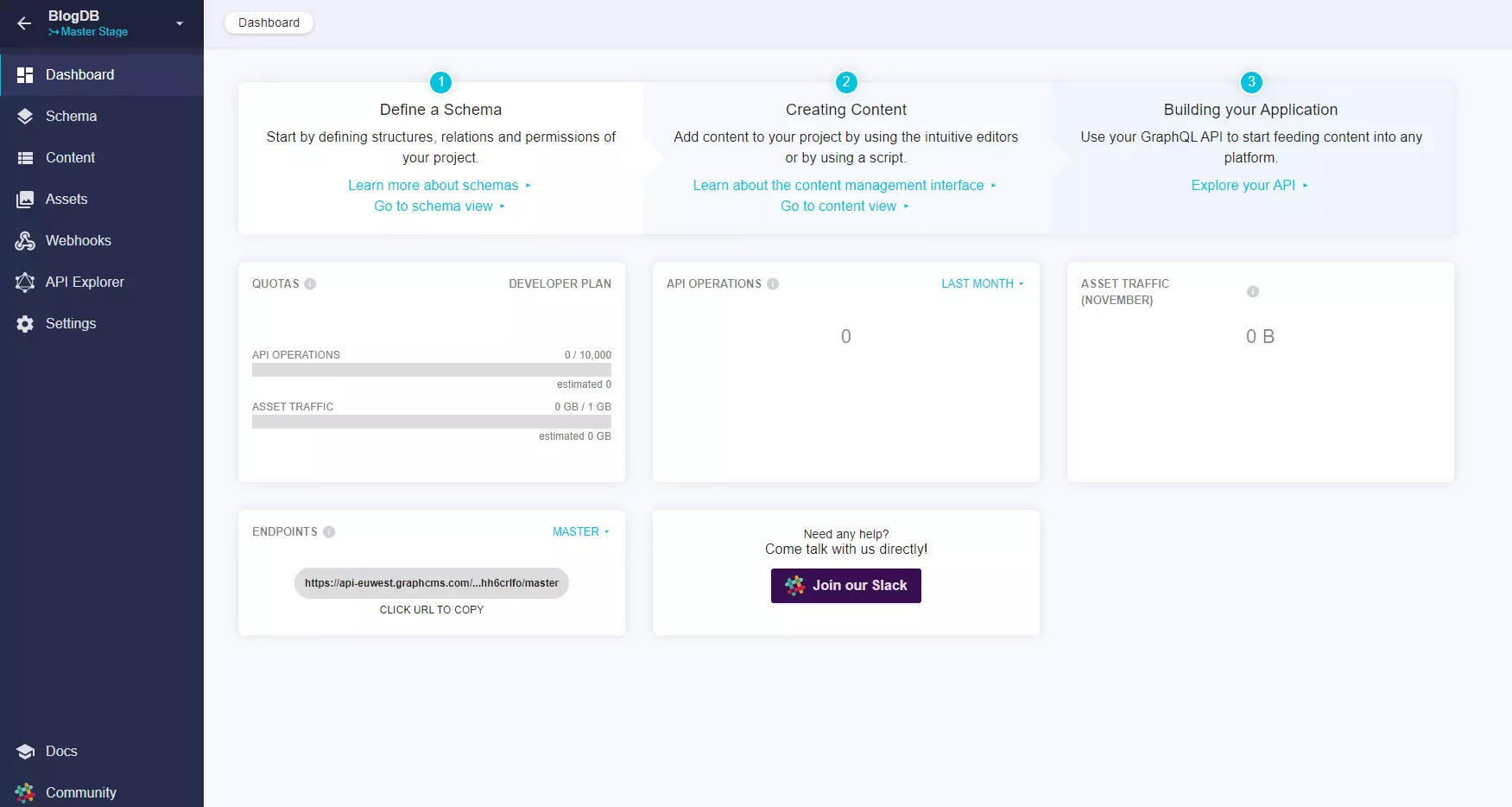
1. Dashboard.
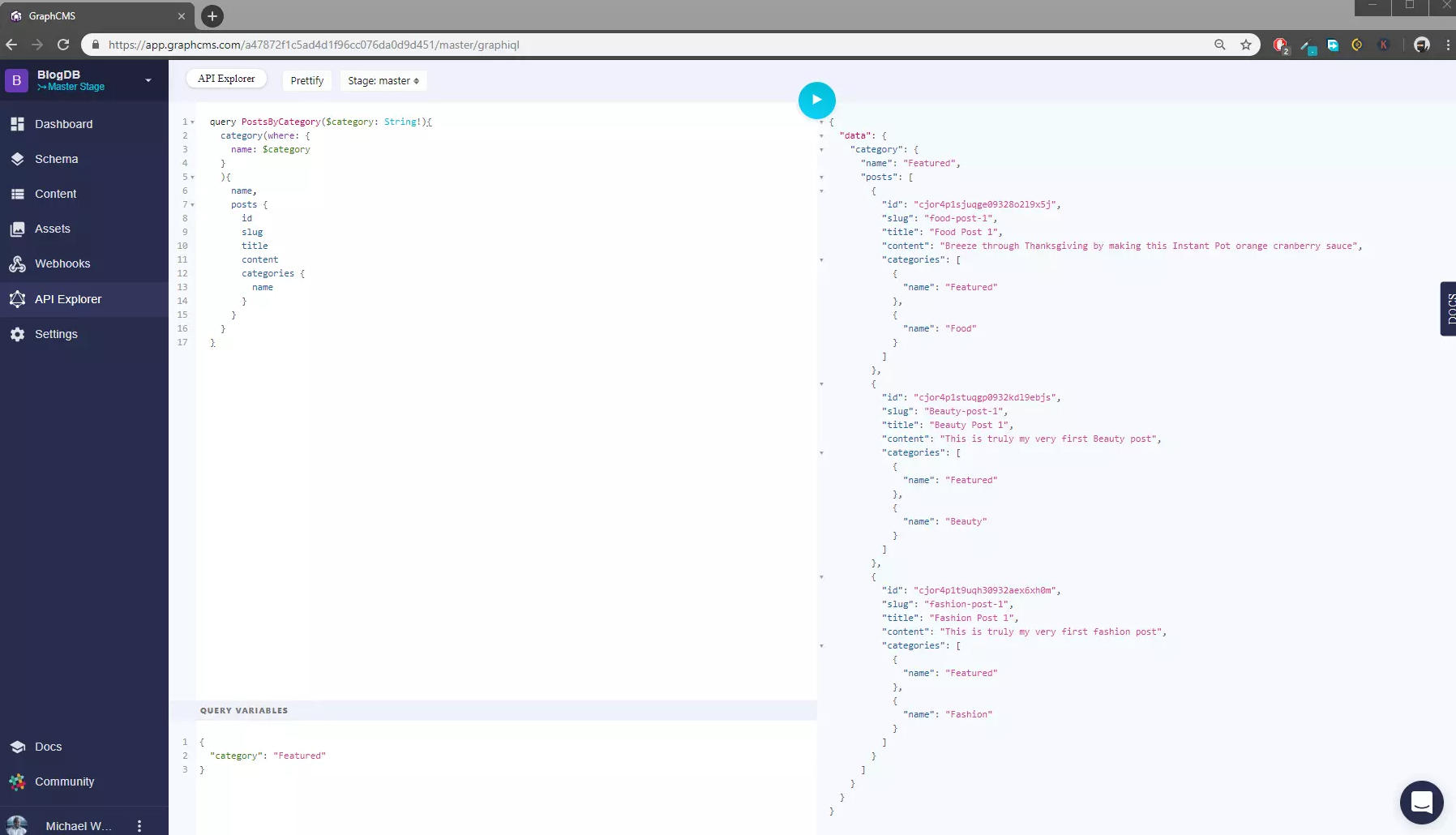
2. Query example.
Related Article
Reference Link
https://www.sitepoint.com/headless-cms-vue/
https://snipcart.com/blog/wordpress-vue-headless
https://projoywebsolutions.medium.com/building-a-headless-cms-with-wordpress-and-vue-c2869250eb2e